 SyncLedger
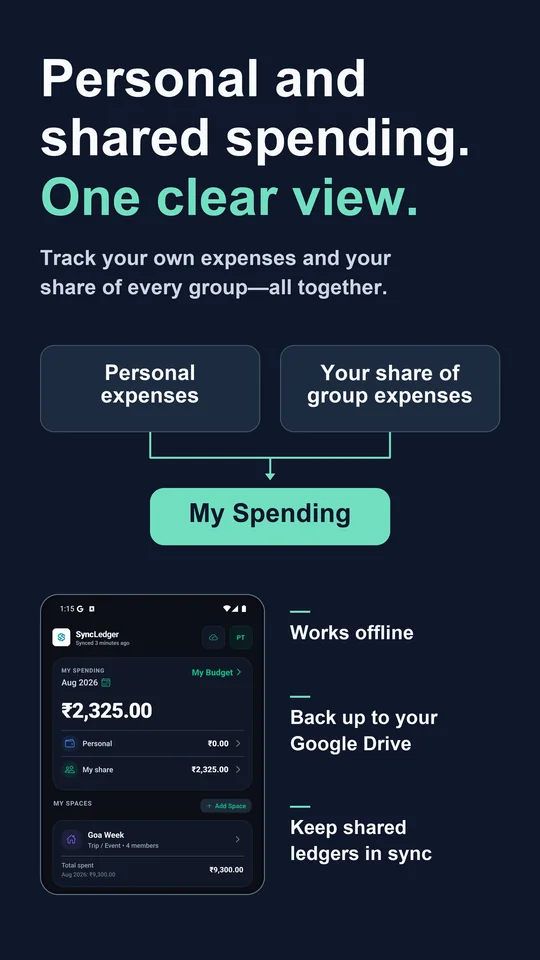
Your month in one view
Totals, per-space spending and your budget position, updated as you log.
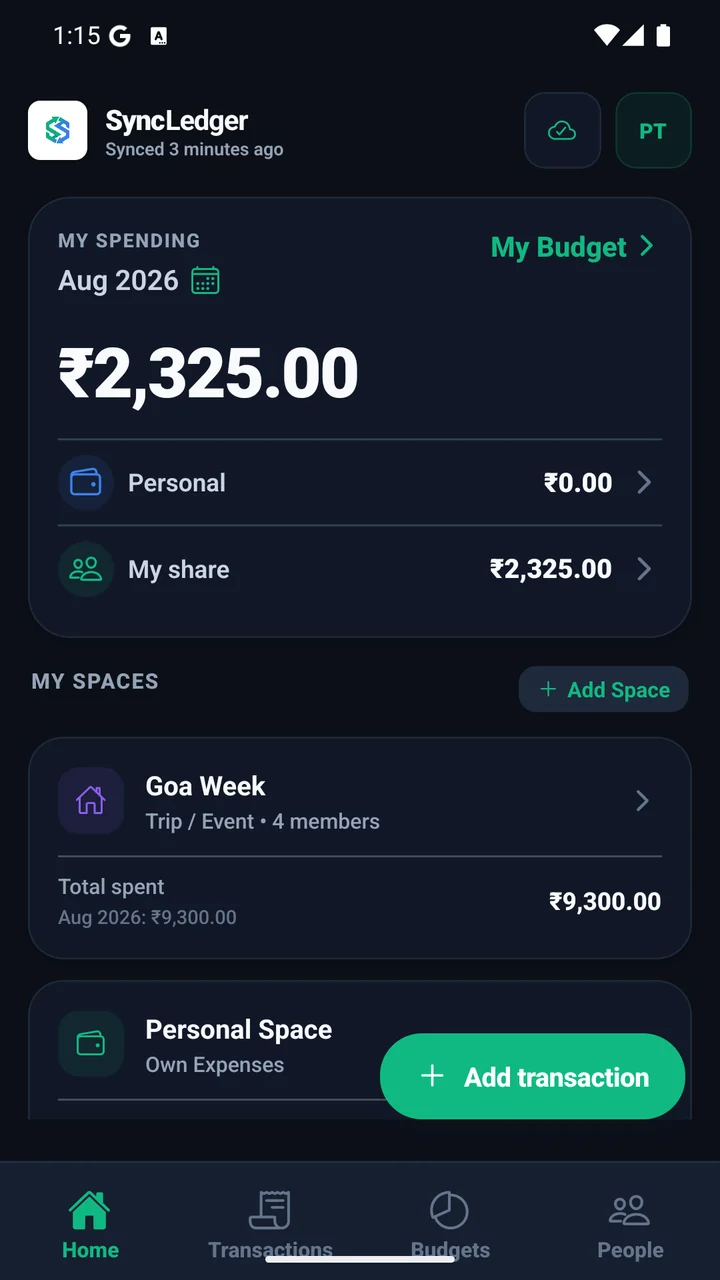
Personal and shared ledgers
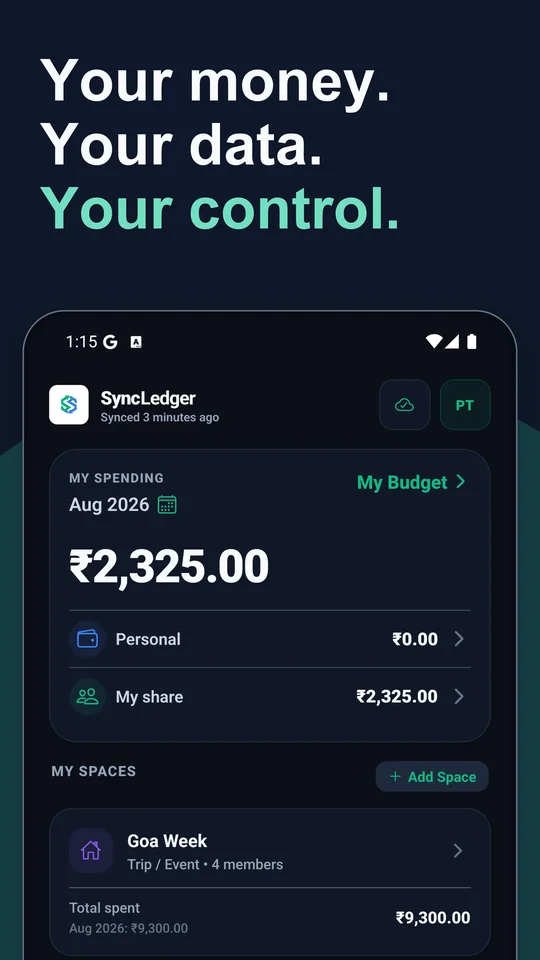
Personal and shared ledgers, stored on your device and synced through your own Google Drive. Nothing sits on our servers.
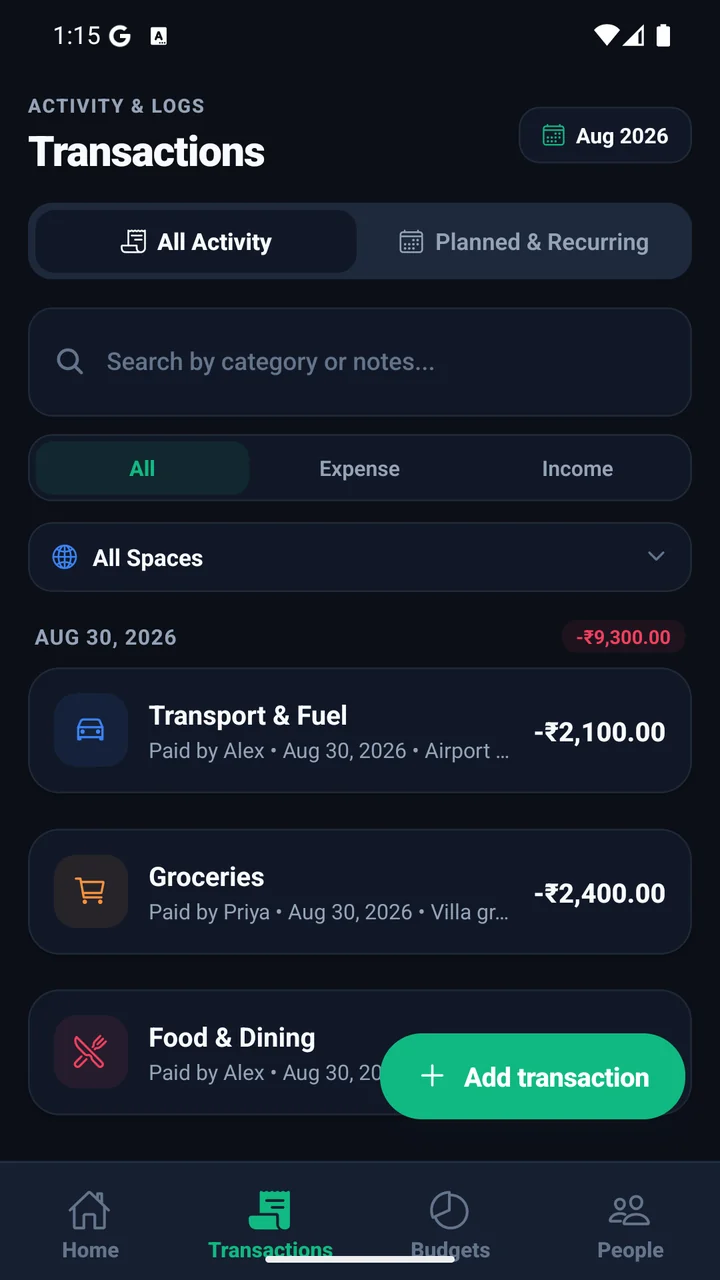
Totals, per-space spending and your budget position, updated as you log.
A custom numpad with a running total, a category picker and a date selector. Log each entry in the moment, not at the end of the month.
Set an overall budget and watch how much of it is left. Category breakdowns show which part of the month is spending fastest.
Schedule rent, utilities and subscriptions before they arrive, and see what is still to come this month.
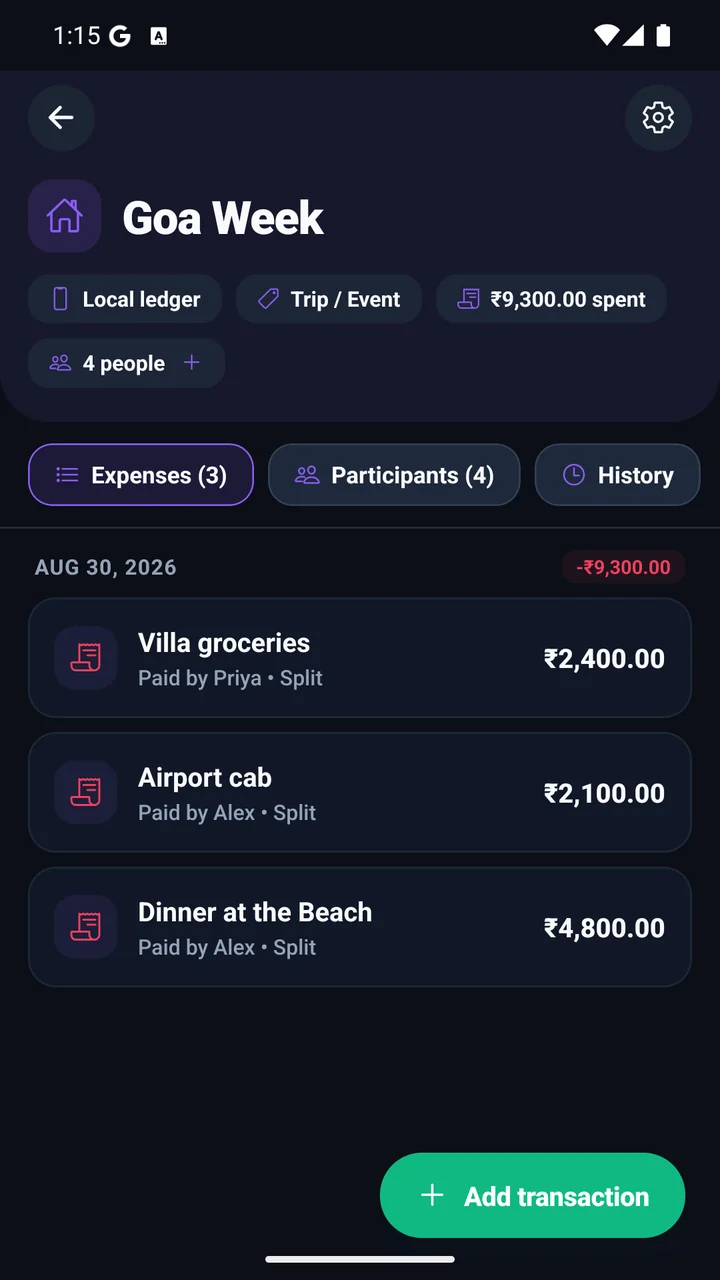
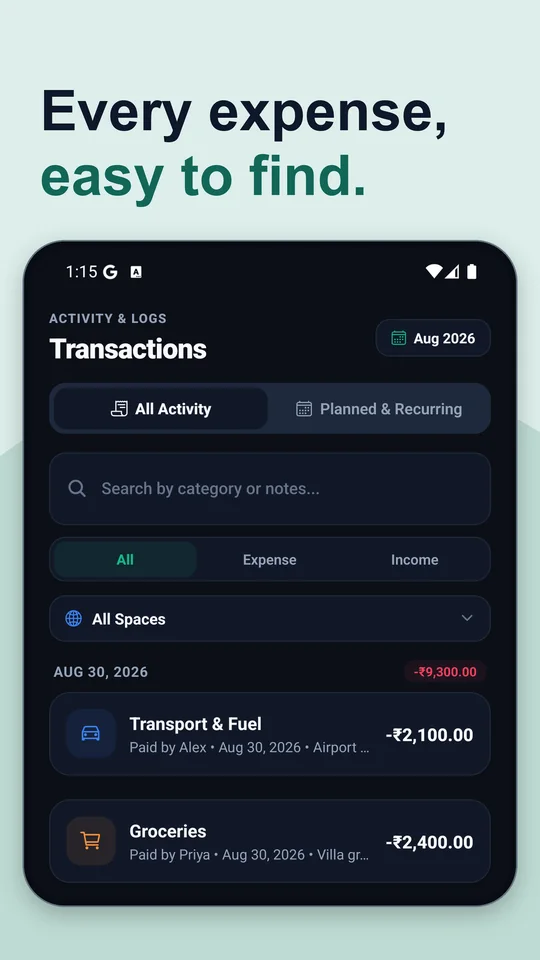
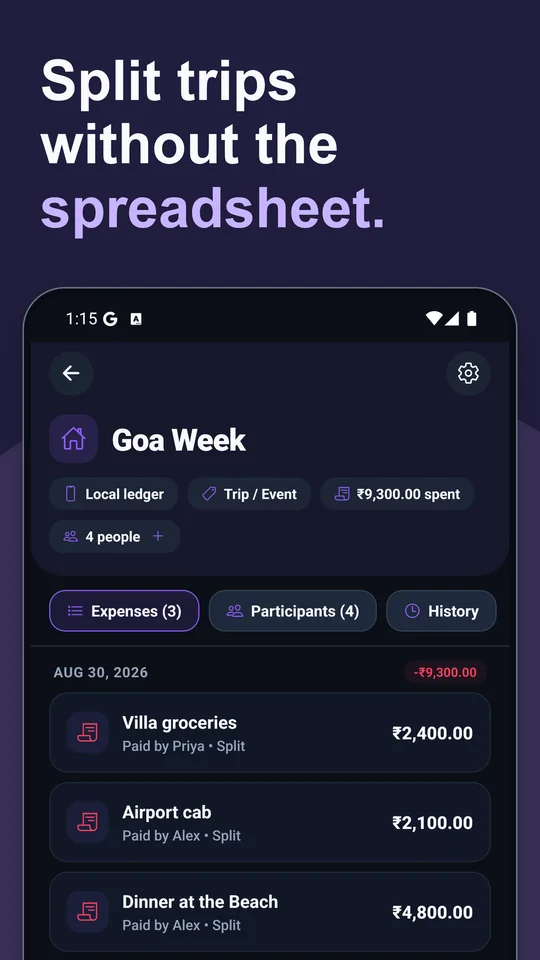
Share the invite link on WhatsApp, SMS or email. Everyone logs what they paid from their own phone, and SyncLedger keeps a running balance and works out the fewest payments that settle the group.
The email you add is how Google Drive grants access to the ledger. Then send the invite link on whichever chat you already use.
Add someone as a participant who only needs to appear in the ledger. No account, no phone, no invite.
One screen shows who pays whom, and how much, so the group clears the balance in the fewest transfers.
Your personal ledger is free forever, with no limit on entries. Add one more ledger of your own with up to 400 entries at no cost. Joining a ledger that someone else owns is always free, however many you join.
Unlimited ledgers and unlimited entries. Monthly, yearly or a one-time lifetime purchase. The current price is shown in Google Play before you buy.
Reaching a limit never deletes, hides or locks anything you have already recorded. Everything stays readable and exportable.
Scan the code with your Android phone, or open the link. It always points at the current SyncLedger release on Google Play.
syncledger.altusvay.com/get